Stripchat | Bottom line: Your camera won't show anything unless you allow it yourself.
Merely viewing Stripchat cannot technically cause your device's webcam to start on its own and show your video to the other person.
Webcams built into computers and smartphones are strictly protected by browser security features, including sandboxing. No matter how much a website tries to access the video, it receives no camera access permission unless the user explicitly clicks “Allow” in the browser.
Even if while watching the screen you feel "it seems the performer made eye contact with me" or "it seems they reacted to my action," it is just the performer speaking to the camera across the screen or reacting to the general flow of the chat. Your room or appearance is not leaking to the performer or other viewers, so there is no need to be overly afraid.
Modern major browsers are designed according to strict international security standards so that malicious websites cannot turn on your camera or microphone without permission. Therefore, simply opening and watching a stream page does not expose you to a technical risk of being secretly recorded.
Stripchat | The only path for your camera to be seen by the other person = C2C (2 shot chat)
Your camera video reaches the other person only when you yourself enable the site's two-way camera feature "C2C (Cam2Cam)" and grant browser permission.
C2C is a two-way system where viewers can not only watch a performer's live video but also turn on their own webcam and communicate while showing themselves to the performer. This is mainly a paid, one-on-one option for private interactions and does not activate automatically.
Before video is actually sent to the other person, you must go through several clear steps. First, you must choose to use the mutual camera on the site yourself, connect your device's camera, and then manually select "Allow" on the browser pop-up warning that asks "Allow camera use?" Only then does video transmission begin.
In other words, it is designed so that accidents where your face or room suddenly appears on the other person's screen from an unintended single click or screen tap cannot happen. As long as you do not request C2C and are viewing ordinary public shows or group shows, the camera function itself stays asleep.
Stripchat | Where to check and revoke browser camera permission (Chrome / Edge / Safari / smartphone)
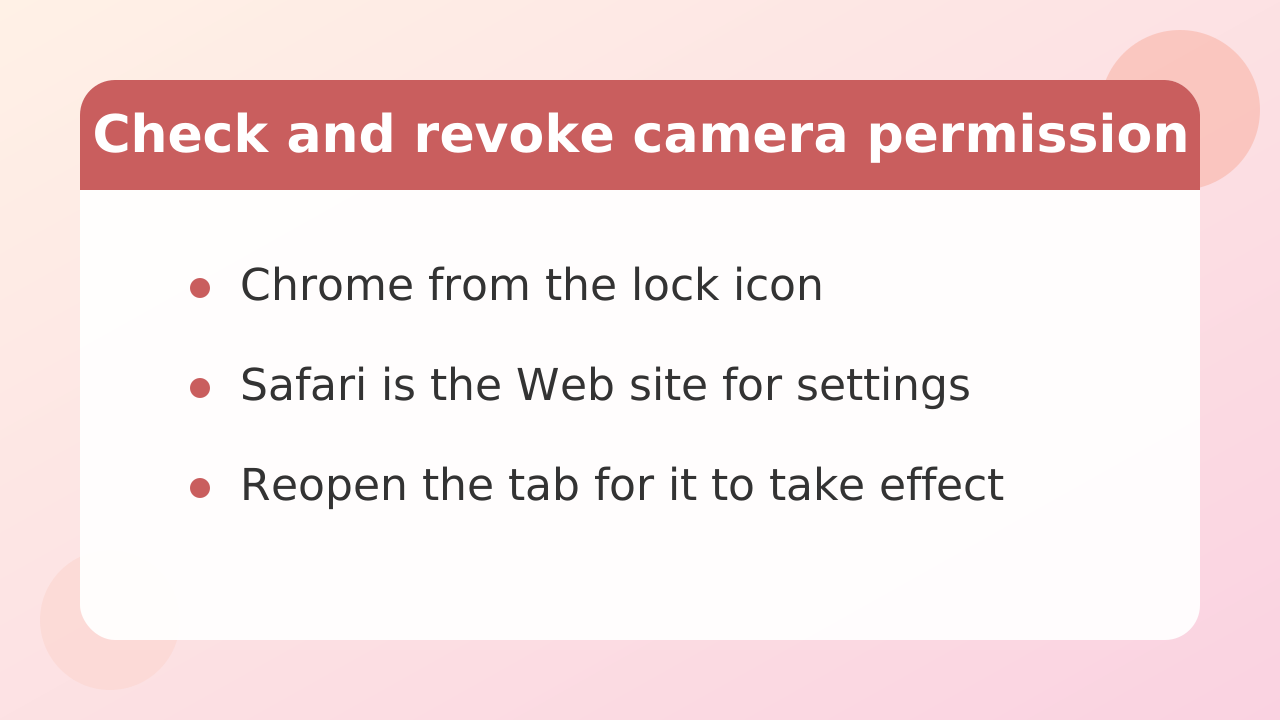
If you are worried that you may have accidentally allowed camera access in the past, you can check and revoke Stripchat's camera permission at any time from your browser settings.
Even if you accidentally granted access, changing the setting to "Block" or "Remove" will block all connection requests from the site to your camera. The steps for checking this in the main browsers are as follows.
| Usage environment | How to check and disable it |
|---|---|
| Google Chrome (PC version) | Click the lock icon or site settings icon on the left side of the address bar and change the "Camera" setting to "Block." Alternatively, open "Privacy and security" > "Site settings" from the settings menu and remove the relevant site from the camera permissions list. |
| Microsoft Edge (PC version) | Click the lock icon at the far left of the address bar and select "Permissions for this site." Switch "Camera" to "Block" to completely reject all future access requests. |
| Safari (Mac version) | Open "Settings" from "Safari" in the menu bar and select the "Web Site" tab. From the list on the left, select "Camera," and in the site list on the right, set Stripchat's setting to "Block." |
| iPhone / iPad(Safari) | Open the device's “Settings” app and select “Safari.” Tap “Camera” under “Web Site Settings” and set it to “Deny” or “Ask.” You can also review individual settings for each site. |
| Android(Chrome) | Open "Settings" from the upper-right menu of Chrome, then tap "Site settings." Select "Camera," and if the relevant site is listed under allowed sites, tap it and choose Block or Delete. |
After changing settings, close and reopen the browser tab once to ensure the new permission settings take effect. If you regularly check the list of access permissions, you can quickly notice unintended setting changes.
Stripchat | Your camera will not automatically turn ON when you enter a private show
Even if you enter a paid private show, your camera will never turn on automatically.
A private show is a format in which you pay coins to view a performer exclusively 1-on-1, but the basic specification is "one-way video streaming from the performer to the viewer." Viewers usually converse via text chat and have no need or obligation to show themselves.
Stripchat distinguishes clearly between a standard private show and a "two-way camera private show," where both parties connect their cameras. In a standard private show, you only watch the performer's video; your own image is never shown.
Also, private shows consume coins in units of 1 minute, and rates are set individually by each performer. When you enter, a price confirmation screen appears, so you can check the amount and format before starting.
To leave, simply press the end button on the screen or leave the page. Billing and the stream connection end immediately. Entering a high-priced room does not subject your device to any special control.
Stripchat | The real threat is not the site but viruses (remote control)
Simply viewing a legitimate site does not let anyone peek through your camera, but if the device itself is infected with malicious viruses or malware, there is a risk that the camera can be remotely controlled.
What you should be wary of is not the website's basic system, but malicious software sent in from outside called "RAT (remote access Trojan)." If you happen to become infected, an attacker could remotely start your computer or smartphone camera without permission and secretly view your video.
When using adult-related sites, fake warning messages such as "A virus has been detected" or "Update now," as well as suspicious advertising banners, may appear on screen. The biggest cause of infection is blindly trusting these messages and downloading and running software, extensions, or suspicious files from unknown sources.
To prevent this kind of remote-control damage, basic security measures in daily use are essential.
- Keep the operating system (Windows, macOS, iOS, Android) and browser fully up to date, and do not leave vulnerabilities unaddressed.
- Install reliable security software, update its definition files regularly, and keep real-time protection enabled.
- Ignore and close all suspicious download requests and notices such as "plugin required for playback" that appear while browsing the site
No matter how clever the malware is, if you do not download and run suspicious files yourself, you can greatly reduce the risk of infection.
Stripchat | The surest measure is covering the lens - costs and methods
If you want to watch your screen with peace of mind without worrying at all about software misconfigurations or viruses, physically covering the camera lens is the surest and easiest solution.
No matter how advanced the cyberattack or remote control may be, and even if you accidentally start the camera due to a misconfiguration, if there is a physical obstruction in front of the lens, the video sent to the other person becomes completely pitch black. Physical countermeasures are the only way to completely neutralize software bugs and security holes.
There are several options for dealing with physical lenses, depending on your budget and convenience.
Sliding dedicated webcam cover
Ultra-thin sliding covers that can be opened and closed with one fingertip are available for laptop cameras and external cameras. They cost only a few hundred yen, and many have a slim design that does not interfere when closing a laptop, providing reliable privacy without affecting its appearance. Keep the shutter closed normally, and slide it open only when using the camera for Web meetings or similar situations.
Use masking tape or sticky notes
If you want to take measures now without spending money, simply cutting small pieces of masking tape or sticky notes from home and placing them over the lens is effective enough. Avoid types like cellophane tape that leave adhesive on the lens; choose tape or paper that peels off cleanly. Just this can completely block light and outlines, giving you immediate peace of mind.
If it's an external USB camera, unplug the cable
If you use an external USB-connected webcam with a desktop computer or similar device, the safest option is to unplug the cable from the computer before browsing a streaming site. Physically cutting off power and communication makes it impossible for any program to operate the camera.
Stripchat | Account-side measures to prevent being identified (username, email, 2-step verification)
Along with preventing leaks from camera footage, it is also important to prevent your identity from being identified through your account registration details or behavior in the chat.
Even if your webcam video is not visible, leaving careless clues in your registered username or public information may allow acquaintances or third parties to identify your account. Take the following precautions thoroughly when creating and using an account.
- Set a unique username: Absolutely avoid the username you normally use for SNS, strings based on your real name, or nicknames containing your birthday or anniversaries. It is wise to choose a random alphanumeric combination that is not connected to any other web service.
- Prepare a dedicated free email address: Do not register with the main email address you use for work or personal life; use a newly created free email address exclusively for the site (such as Gmail or Outlook). This prevents your personal name or affiliation from being guessed from your email address.
- Set up 2-factor authentication to prevent unauthorized logins: If the site provides a setting for 2-factor authentication, be sure to enable it. Even if your password is leaked, it can prevent third parties from logging in without permission or taking over your account.
- Don't write personal information in chat: Even if a conversation with a performer gets lively, avoid saying things that could identify you, such as the name of your area, nearest station, occupation, age, or holiday routine. Chats during a public show can be seen not only by the performer but by all viewers in the same room.
By blocking the camera and anonymizing your account information, you can greatly improve your privacy and security.
Stripchat | FAQ (secret filming, recording, private, past incidents)
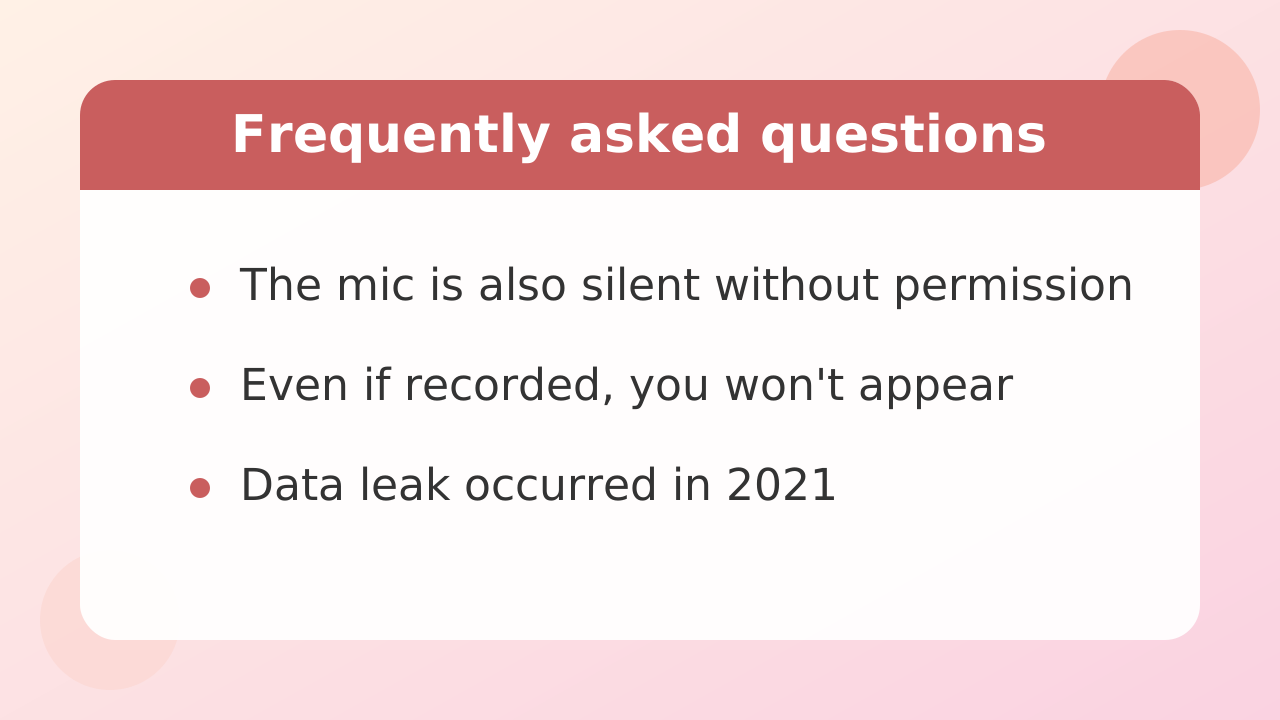
We answer common reader questions and concerns about using Stripchat in a question-and-answer format based on the facts.
Q. Could sounds or voices from my room leak through the microphone while I am only watching?
A. Like the camera, the microphone feature is protected by browser security. Unless you explicitly allow microphone use in a browser pop-up, the site cannot start your device's microphone on its own and pick up audio. If you are just watching a video, there is no worry that background noise or talking to yourself will be heard by the performer or others.
Q. Could I be identified if the viewing screen is recorded or screenshotted?
A. Unless you turn on your camera as a viewer, the only person shown on screen is the performer. Even if a third party records the stream, your face or room will not be recorded. However, comments and usernames you write in chat may appear on the stream screen, so as mentioned above, be careful not to write names or personal information that could reveal your identity.
Q. I heard there was a data breach in the past. Is it safe to use the site now?
In the year A. 2021, there was a reported large-scale data leak caused by a flaw in database disclosure settings. When using this kind of platform, regardless of whether it has had past incidents, it is strongly recommended that you take self-protective measures such as not reusing the same password as on other sites and not registering unnecessary personal information in your profile.
Q. Are all users required to submit ID or verify their age when browsing or registering on the site?
A. Age verification for adult sites is becoming stricter internationally, and enforcement in each country is changing significantly due to legal trends such as compliance with the UK's Online Safety Act and the European Union's Digital Services Act (DSA). Whether ID verification is required differs depending on the country or region you are accessing from and the features you use, so when you actually use the site, check the official guidance displayed on the screen.