Stripchat | The Bottom Line: Viewers Buy Nothing. Coins Alone Make the Vibrator Move
When you hear that tipping makes a vibrator move, your first questions are probably "Do I need to buy a device too?" and "How much does it cost?" Here is the short answer: the viewer doing the triggering needs no device and no app. All you need is coins.
Coins do cost money, though, and once sent they are a gift that is not refunded. So before you start, decide on a budget ceiling — "no more than this much in this room" — and you can try it with peace of mind.
One more thing to know up front: how much you pay and how the device reacts is decided by the performer. There is no site-wide price list, so read any talk about amounts with the assumption that it differs from room to room.
Stripchat | The Whole System on One Page — How Sent Coins Become Vibrations
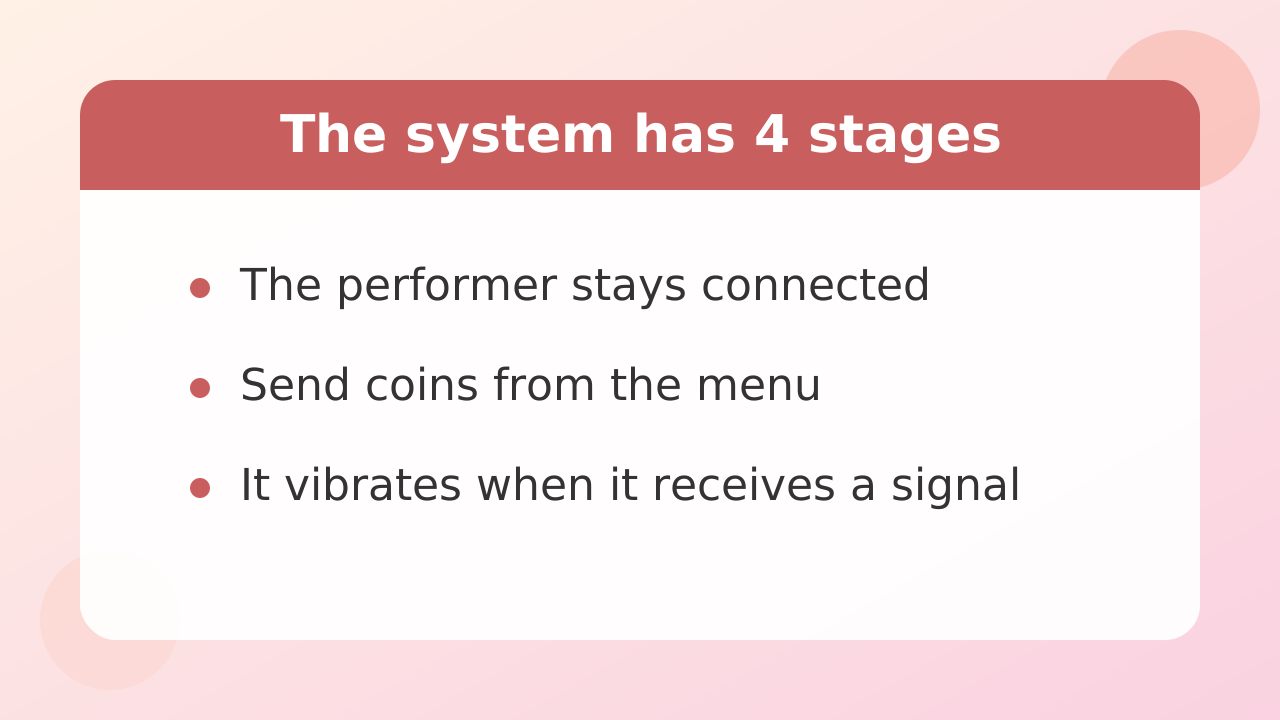
The flow has four steps. The performer puts on the device and connects it, the viewer sends a tip, the signal reaches the device, and it vibrates.
- The performer wears the device and connects to the streaming site through their phone
- The viewer sends coins from the tip menu in the chat window
- A vibration instruction matching the amount sent reaches the device
- When several people send in a short window, the vibrations continue or overlap
Lovense's own system powers this connection. Lovense's official developer page (Cam-Solutions on GitHub, confirmed September 17, 2026) states "90,000+ models using Lovense on cam," and the integration methods fall into three types: browser extension, web kit, and a dedicated API.
In other words, your coins travel through the link between the streaming site and Lovense to reach the performer's device. The only thing you touch is the menu in the chat window — no technical setup required.
Stripchat | How Much Do You Send for How Much Reaction? (The Performer Sets the Price)
Both the minimum amount and the size of the reaction are set freely by the performer. There is no uniform going rate.
In the tip menu, the performer registers the item names and the coin cost themselves. Some rooms react to small amounts, while others are built around larger sums. The vibration strength and duration are also configured by the performer on that same screen.
So don't take "this amount worked in another room" and apply it directly to a different one. Even on the same site, reactions differ from room to room.
It's best to avoid stating a fixed dollar figure in an article like this. Coin purchase prices vary by package and shift with exchange rates. The reliable way to know what you'll actually pay is to check the price shown on your own purchase screen — for reference, 90 coins is 9.99 USD.
Stripchat | How to Read the Tip Menu — What to Check Before You Send
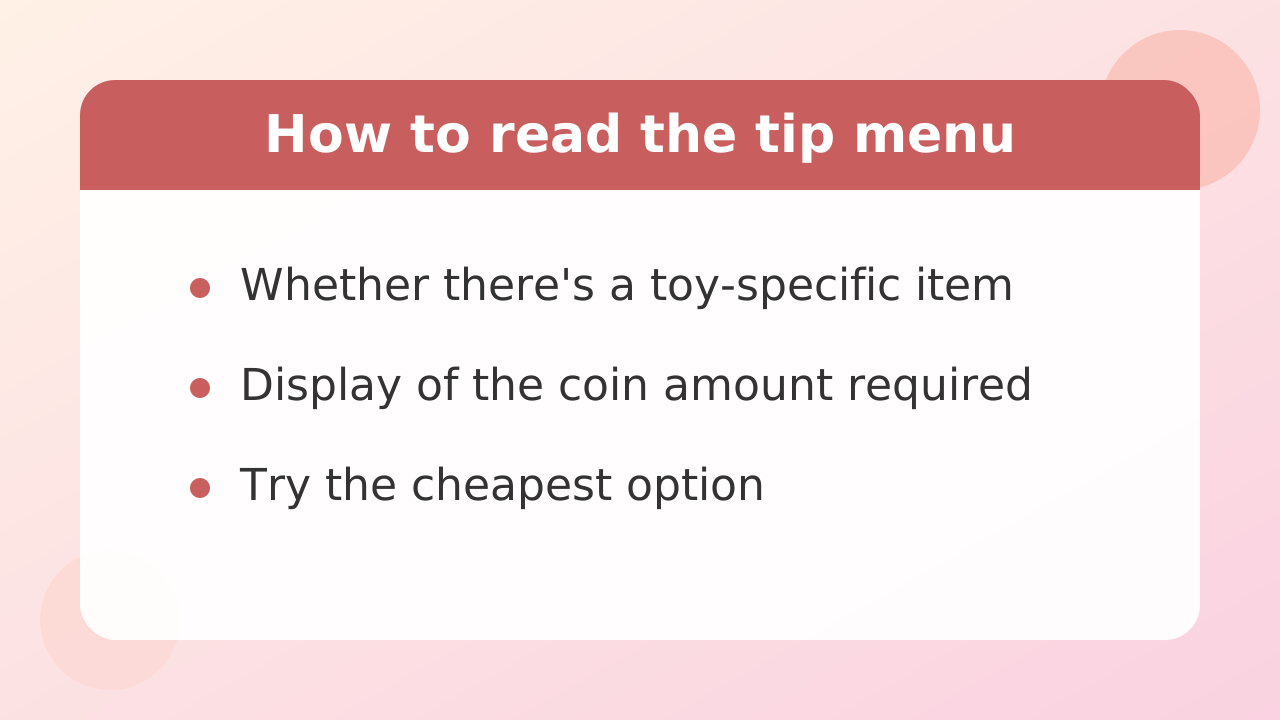
Before sending, check three things: the item name, the coin cost, and what will happen. If all three are clear, you can almost always avoid a "this isn't what I expected" moment.
- Does a toy-related item appear in the chat or menu of the performer's room?
- Is the coin cost shown for each item?
- Does the pinned message (the room's one-liner) explain the reactions?
Item names are chosen by the performer, so rooms have their own personality — from light greeting-style tips to special menu items with bigger reactions. If you're unsure, send the cheapest item once to check the reaction; that's the approach least likely to go wrong.
Conversely, a room with nothing in the menu may simply not have the integration active at that moment. In that case, don't send anything — moving on to another room is faster.
Stripchat | What the 8 Special Commands Can Do
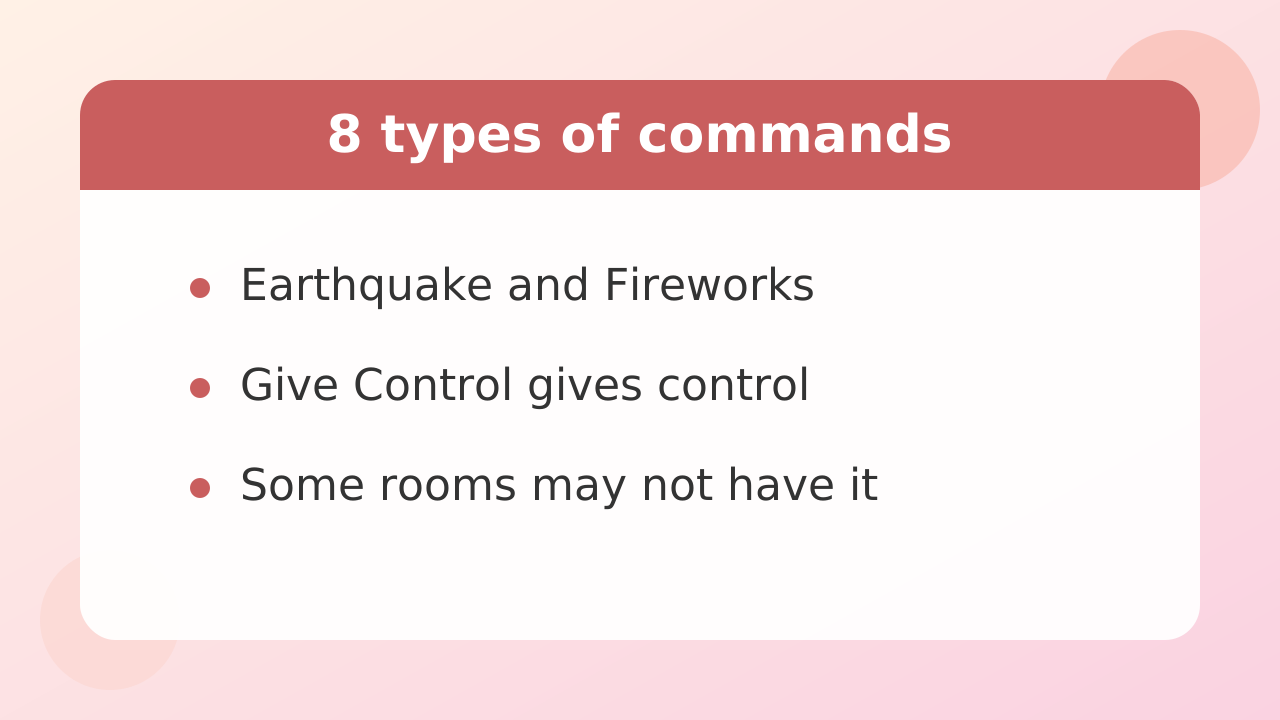
While a normal tip is "strength × time," special commands are a separate menu that triggers fixed vibration patterns. If the performer has set them up, they activate at a designated coin cost.
| Earthquake | Irregular, intense vibration |
| Fireworks | Vibration that builds gradually |
| Pulse | Intermittent motion at a steady rhythm |
| Wave | Strength rises and falls like a wave |
| Two Waves | Two waves arriving alternately |
| Random | An irregular pattern |
| Give Control | Hands operating control to the viewer |
| Pause | Temporarily stops the vibration |
Not all eight exist in every room. If the performer hasn't registered them in the menu, they won't appear, and the coin cost differs by room too. You can see the price before sending, so just look first and then decide.
Stripchat | Control Rights and Full Control - How to Operate It Yourself
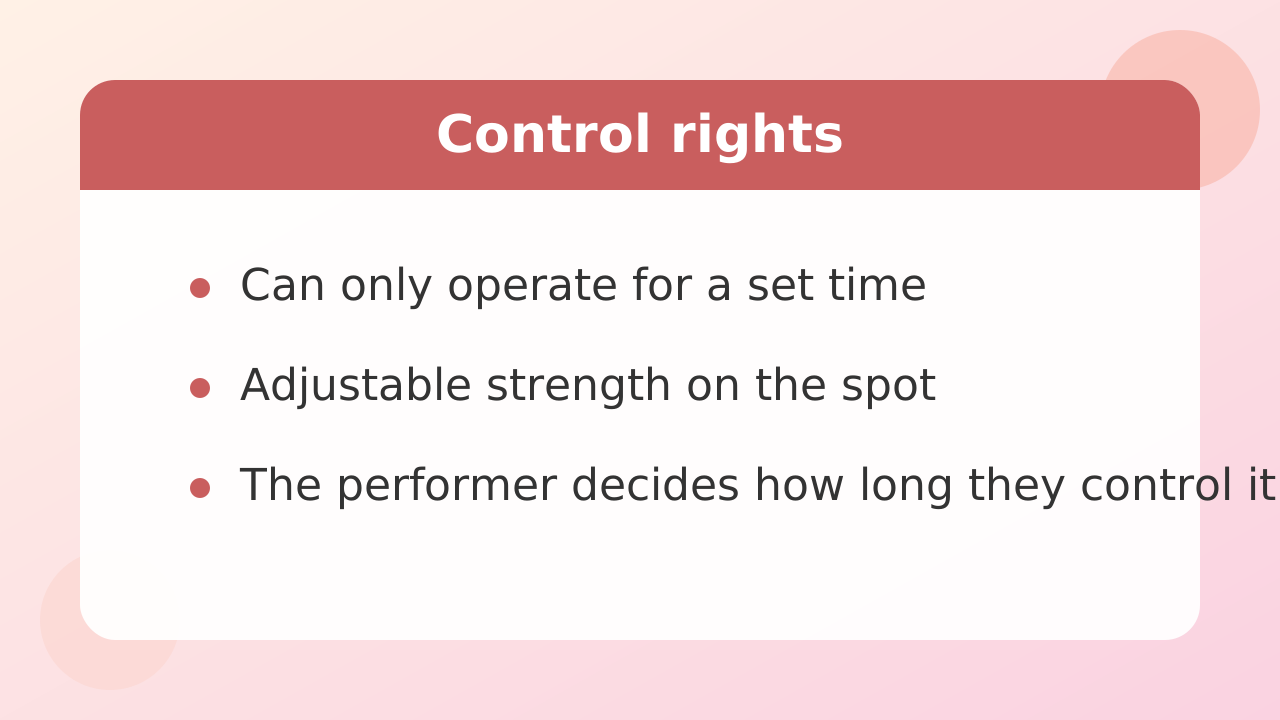
If you want to control the strength yourself, you'll need the performer to hand over control rights. A normal tip just returns a fixed reaction the moment you send it, but with control rights, you become the operator for a set period of time.
| How it works | Send coins and it reacts automatically | You operate it manually |
| What the reaction is | Whatever the performer set | You can change strength in the moment |
| Time | Only the reaction matching the coin amount | The operating time set by the performer |
| Coins required | Set by the performer | Set by the performer |
Some rooms also show a "full control" style option that lets you operate directly from the room screen. However, the name and availability differ by room, and it isn't something every Lovense-connected performer can offer. Judge whether it's available by what the room's menu shows.
Stripchat | 4 Ways to Find Lovense-Compatible Performers
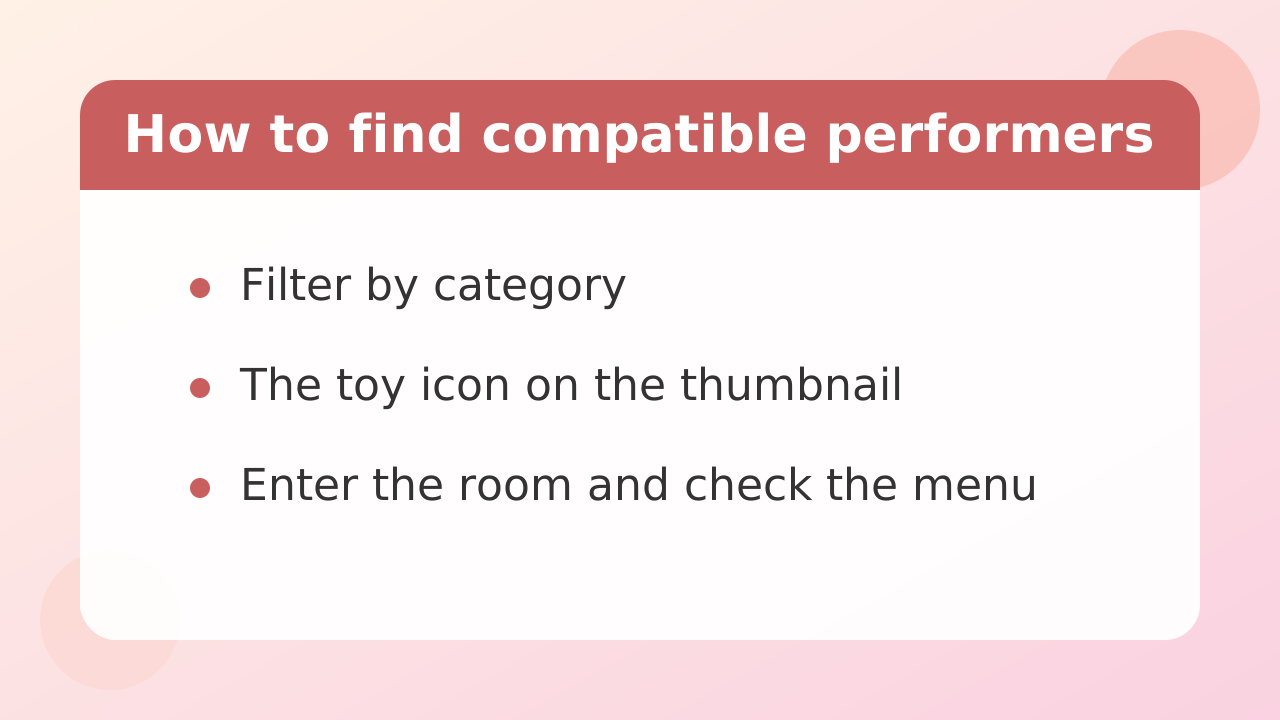
When searching, it's fastest to try methods in order of reliability: filter by category, look for the icon on thumbnails, then enter a room and check the menu.
| Filter by category | Pick the toy-integration category from the list (category names can change, so check the name on screen) | High |
| Thumbnail icon | Look for performers with a toy icon in the list | High |
| Profile / title | Look for notes like "I react" | Medium |
| Check the menu in-room | Enter and see whether a toy menu appears in the chat | High |
Category names can change over time, so rather than memorizing a fixed name, it's more realistic to scan the list for something that looks right. Checking inside a room is reliable, but it takes that much more effort.
Stripchat | How to Find Japanese Performers Who Use Lovense
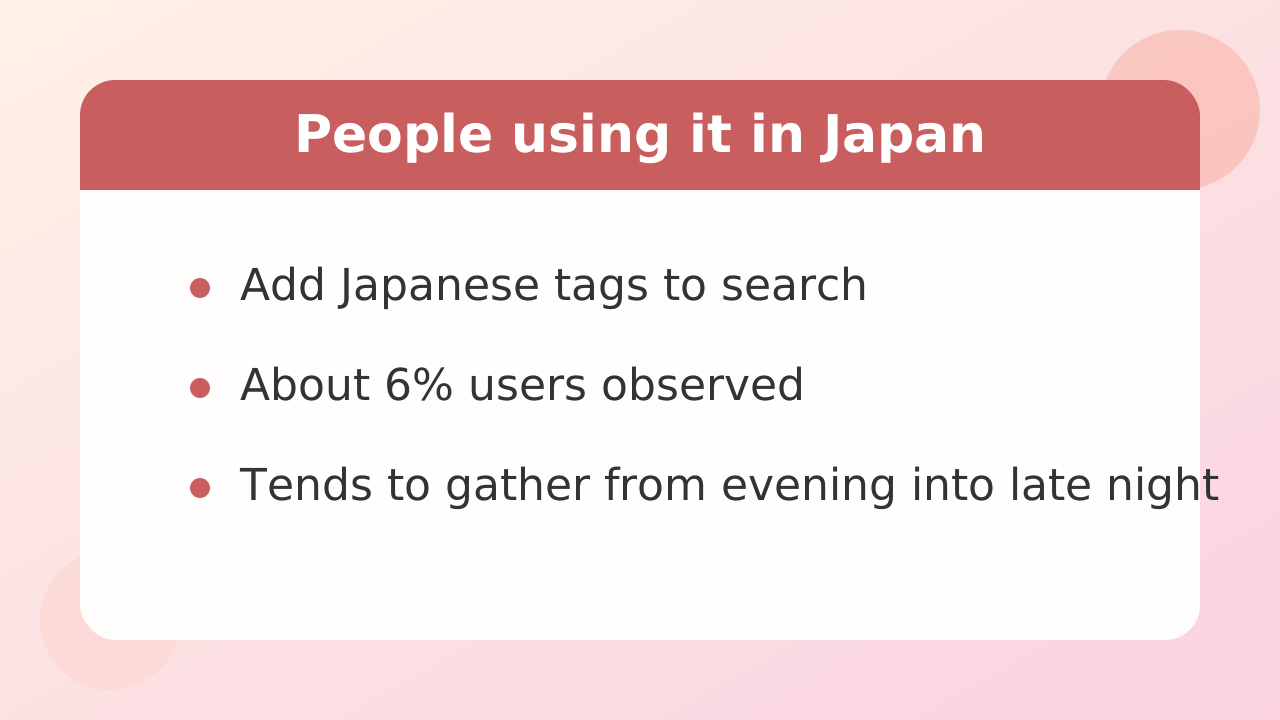
If you want to interact in Japanese, the practical approach is to add a Japanese tag to your filters and then check the room's menu. Not many Japanese performers use toy integration — one observation puts it at around 6%.
That scarcity also means finding one is that much more rewarding. Rather than spending all your time hunting for compatible performers, it's faster to open a few rooms that catch your eye under the Japanese tag and check whether a menu is present.
As for timing, Japanese performers tend to stream at night and into the early hours. Japanese performers are most active between 22:00 and 0:00 JST (9 AM to 11 AM ET), so browsing during those hours raises your odds of landing in a compatible room.
Stripchat | Frequently Asked Questions
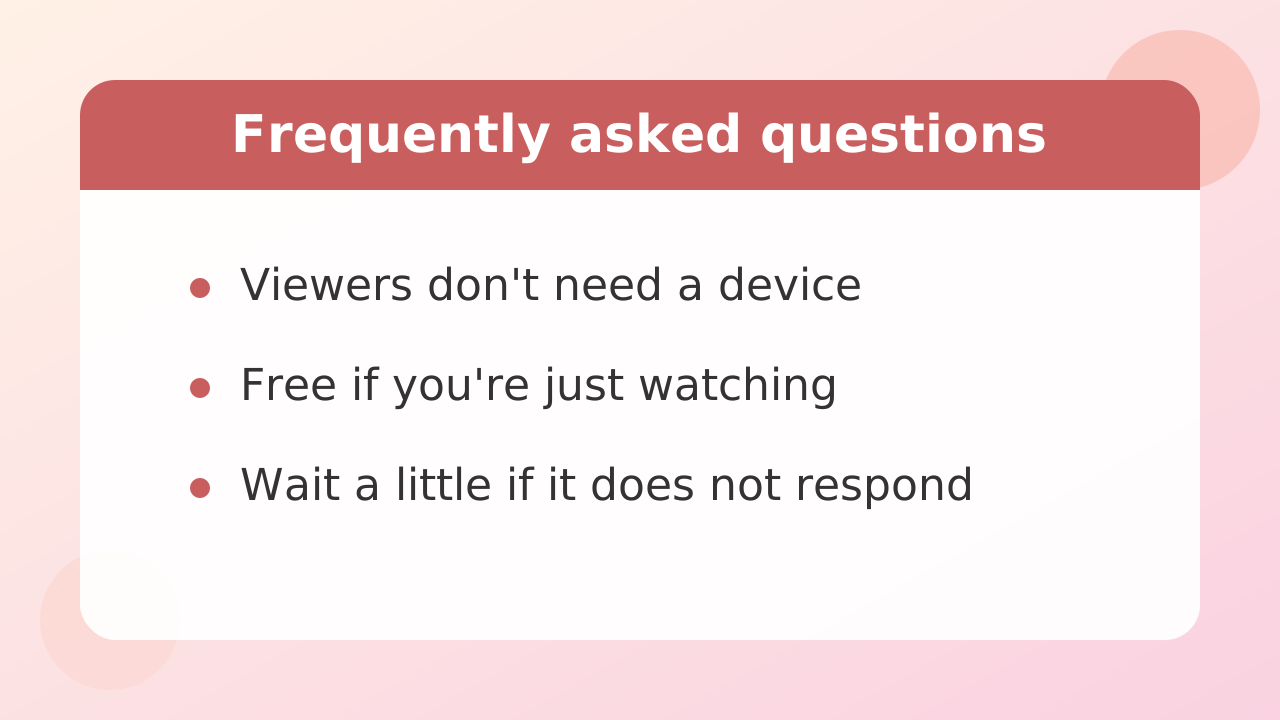
Q. Do viewers need to buy a device too?
If you only want to make the performer's device react, no. Sending coins alone triggers a reaction. However, syncing your own device so you can operate each other's is a separate matter, and whether that feature works in a given room is up to the performer.
Q. Can I try it for free?
Watching a stream is free, and nothing happens if you don't send coins. Buying coins costs money. Whether age verification is required to watch varies by region and room, so follow whatever the display tells you.
Q. What if I send coins and nothing happens?
First, check the menu display and the required coin amount. If the amount was sufficient, the performer's connection may have dropped temporarily. Don't send repeatedly in a row — waiting a little is the safer move.
Q. How much are coins in dollars?
It changes with the purchase package and exchange rates, so no fixed figure can be given. The price shown on your purchase screen is the answer at that moment — as a reference point, 90 coins is 9.99 USD.
Q. Can multiple devices be used at the same time?
Performers sometimes use more than one device. Nothing changes on the viewer's side — you just send coins from the menu.
Finally: set a budget ceiling first, check the menu, then try the cheapest item once. In that order, you can enjoy the system at your own pace while seeing exactly how it works.