Stripchat | The short answer: fix the display language in the footer
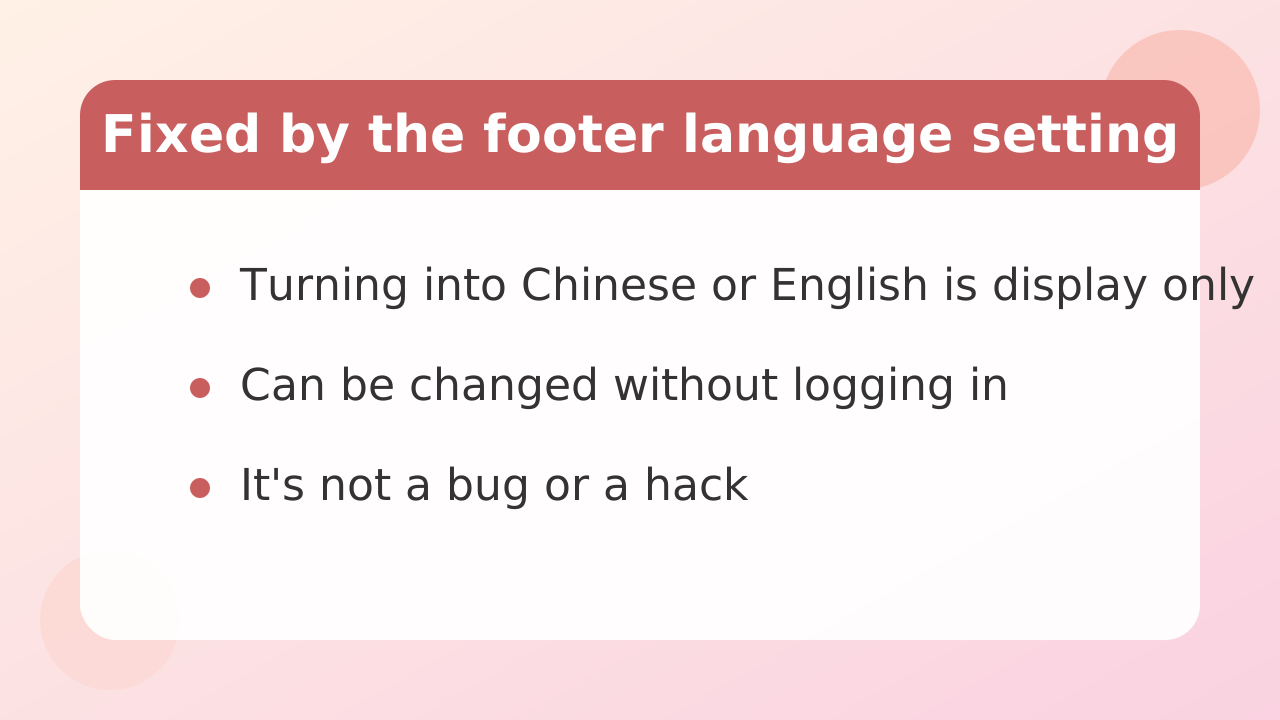
If Stripchat suddenly appears in Chinese or another language, you can usually fix it instantly by opening the language menu at the very bottom of the page (the footer) and selecting your preferred language.
Because Stripchat is an international service, it can switch to Chinese characters or English unexpectedly based on your network environment, your browser's automatic detection, or a stray click on the wrong link. This is not a hack or a serious bug. The display language setting has simply been changed, so there is no need to panic.
You do not even need to be logged in. Scroll to the bottom of whatever page you have open, and anyone can switch the display language right away. Stay calm and check the very bottom of the screen first.
Stripchat's main buttons and navigation menus are available in many languages. Once you set your language correctly, account management and browsing are much more comfortable.
Stripchat | How to change the site language (desktop and mobile)
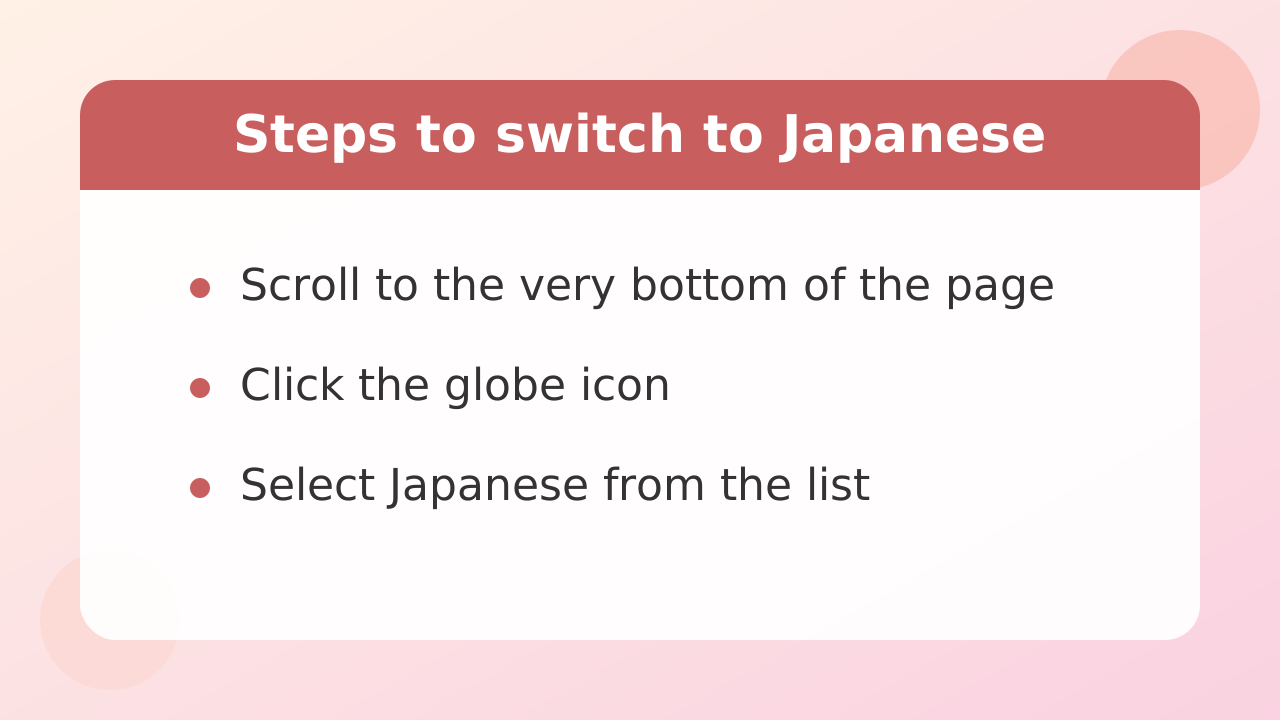
On both desktop and mobile, you change the display language from the globe icon in the footer at the bottom of the page.
The exact steps for each device are below. No registration or complicated setup is required, and it takes only a few seconds.
Steps on desktop (PC browser)
First, scroll all the way down the Stripchat page using your mouse wheel or scrollbar. If video thumbnails keep loading as you scroll, keep going quickly until the footer comes into view.
Near the very bottom of the screen you will find a dropdown menu marked with a globe icon (or showing the current language name, such as "English"). Click it to expand the list of available languages.
Find your language in the list and click it. The page reloads automatically, and the menus and buttons switch to that language.
Steps on mobile (mobile browser)
The basic flow is the same on a smartphone. Swipe down repeatedly with your finger until you reach the very bottom of the page.
When the footer area appears at the bottom of the screen, look for the globe icon and tap it. If the footer is hard to find, try opening the three-line menu (hamburger menu) at the top right or top left of the screen. The language switcher is sometimes placed at the bottom of that menu list.
Tap your language in the list, and the mobile display switches to that interface.
Stripchat | If it still shows English or another language (browser settings, login state, region)
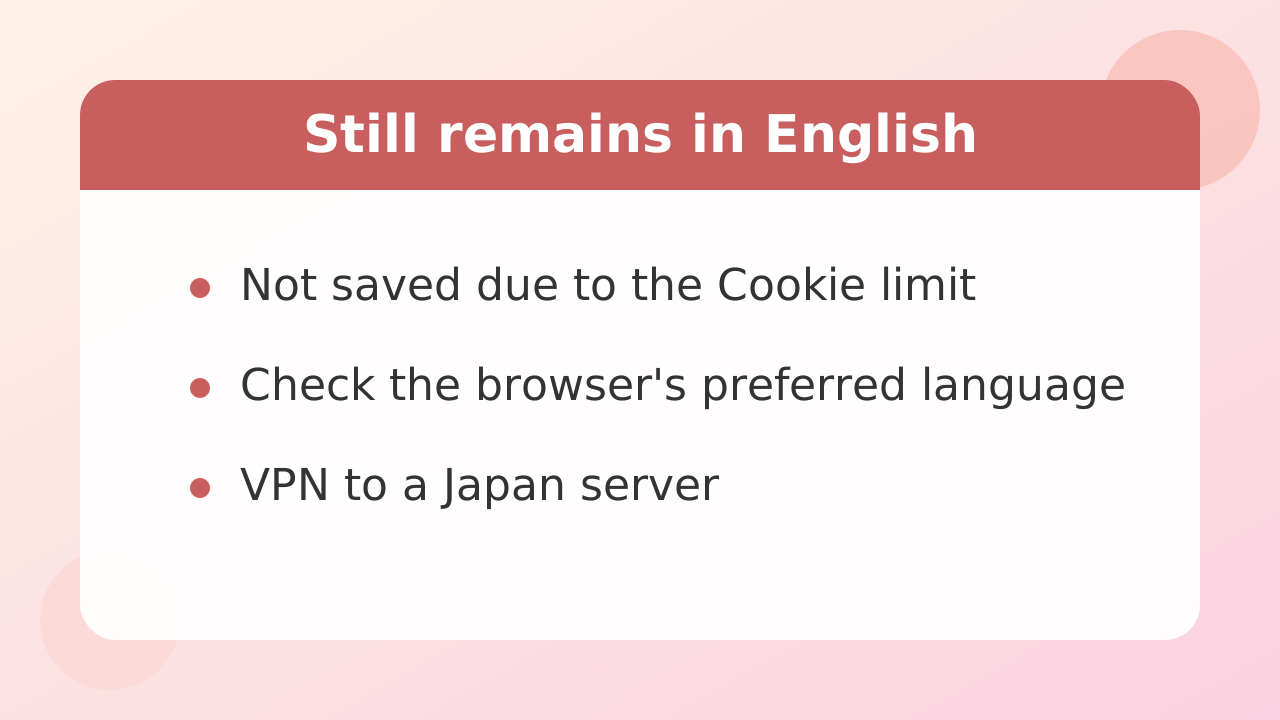
If the page keeps reverting to English or Chinese even after you pick your language, the cause is usually your browser's cookie settings or region detection based on where you are connecting from.
Here are the main reasons your choice may not be saved, along with fixes for each. Work through them one at a time.
Private/incognito mode or cookie restrictions
If you are using private browsing (incognito mode), saved settings are wiped every time you close the site. If your browser is set to block cookies, your language choice cannot be stored either.
If the language keeps resetting and it bothers you, access the site in normal mode, or allow cookies for Stripchat in your browser settings. If you have an account, setting the language while logged in helps the preference stick to your account.
Your browser's own preferred-language settings
If your browser (Google Chrome, Safari, Microsoft Edge, and so on) has English or Chinese listed as its top preferred language, the site may automatically follow that. Open your browser's settings and check that your preferred language is at the top of the list.
Using a VPN or an overseas proxy
If you are using a VPN built into your security software or connecting through an overseas server, the site may force the language of the country you appear to be connecting from. Try turning the VPN off temporarily, or switch the server location, then reload the page.
Stripchat | Realistic ways to translate chat (compared by effort and safety)
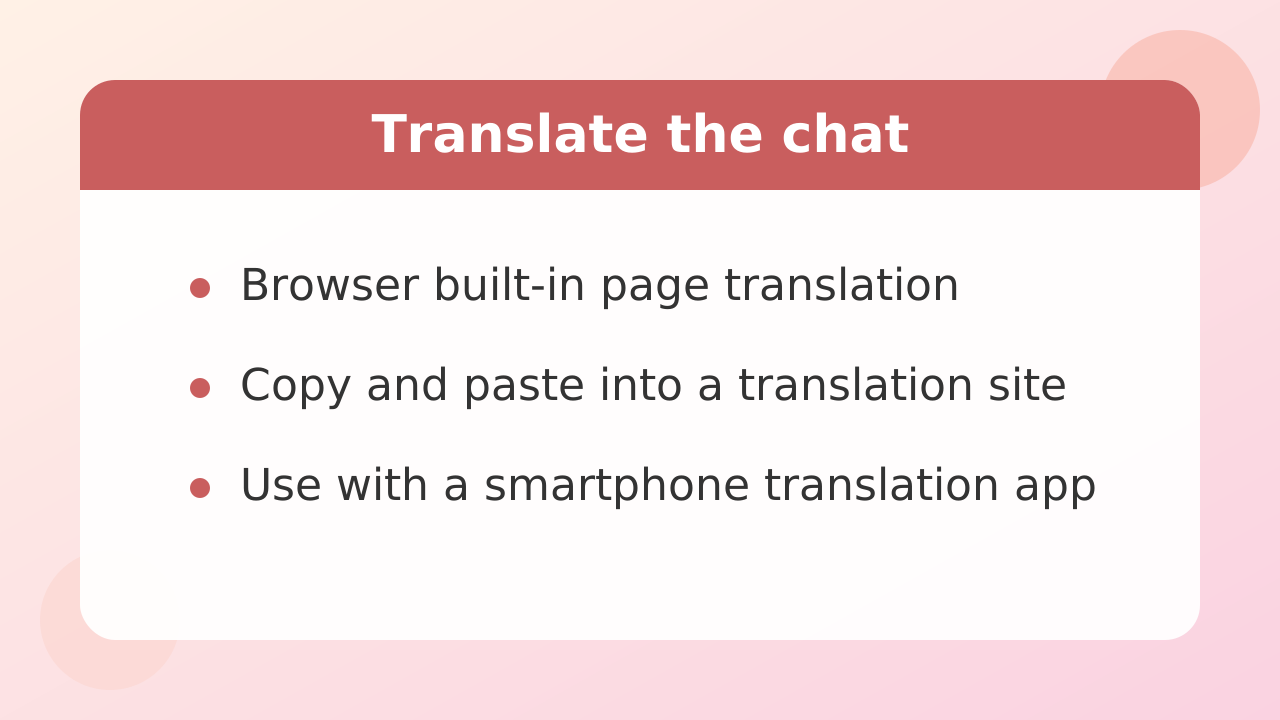
The most realistic and safest ways to translate chat with overseas performers are your browser's built-in translation feature and a separate translation service.
Even if you switch the Stripchat interface to your language, the words performers speak in their rooms and the messages in chat will mostly be in English and other languages. Rather than relying on risky third-party tools, choose a method that balances convenience and safety.
| Translation method | Effort | Safety | Best for |
|---|---|---|---|
| Browser's built-in page translation | Low (right-click only) | Safe (standard feature) | Reading room rules and topic boards |
| Copy and paste into a translation site | Medium (manual steps) | Extremely safe | Replying to the performer and holding a conversation |
| Using a phone translation app alongside | Low (just point at the screen) | Extremely safe | Watching in real time while viewing on a PC |
Use your browser's built-in translation
Major browsers such as Google Chrome, Microsoft Edge, and Firefox include a built-in feature that translates an entire page. Right-click on an empty area of the page and choose "Translate," or click the translation icon near the address bar.
This is very handy for getting the gist of a performer's topic board, their goal settings, and the contents of the tip menu. However, it may not keep up with the chat box, where messages flow in constantly in real time.
Keep a translation site or app open in a separate window
If you actually want to communicate with a performer, the most reliable approach is to keep a trusted translation service such as DeepL or Google Translate open in another tab or window.
Type what you want to say, convert it into English, and paste it into the chat box to send. If there is a word in the performer's reply you do not understand, copy it into the translator to avoid misunderstandings. If you watch on your phone, a floating translation app or using a PC and phone together makes this smoother.
Stripchat | What to know before installing extensions (the permissions you hand to unofficial tools)
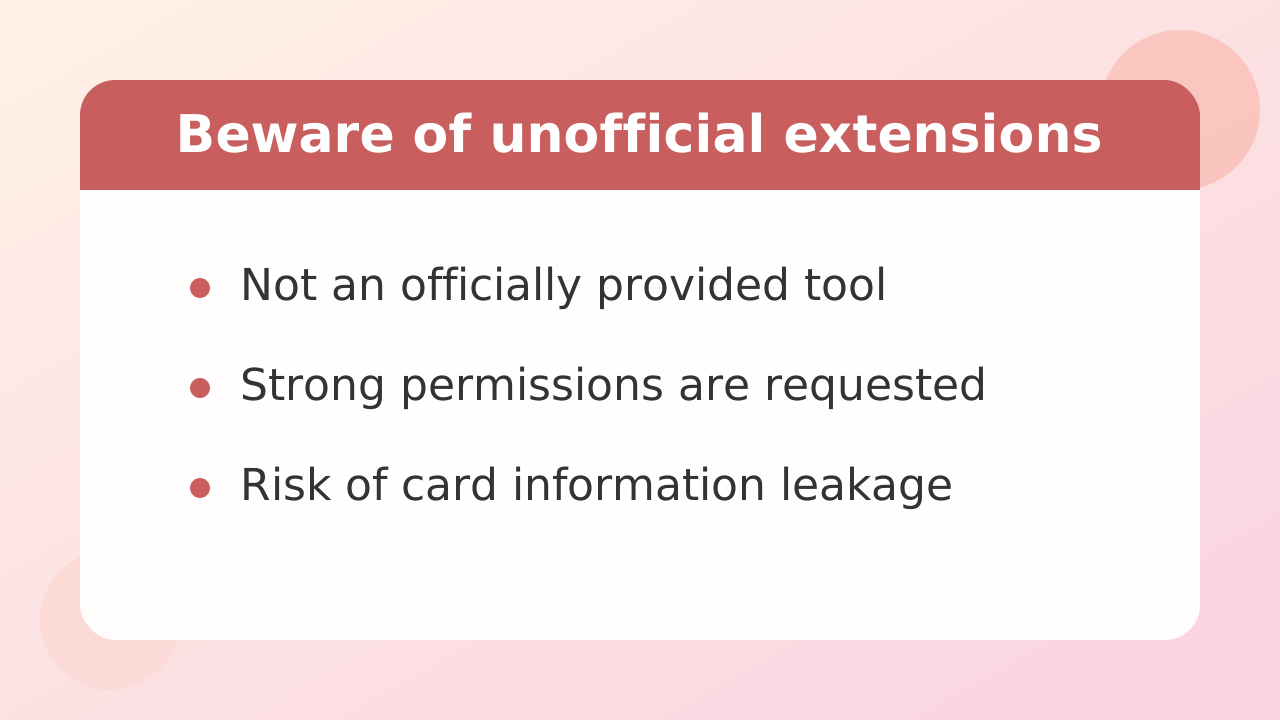
Manually installing unofficial browser extensions is not recommended, because it carries the risk of personal data leaks and account hijacking.
You may come across third-party extensions advertised online as being able to "auto-translate chat." However, these are not developed or provided by Stripchat itself.
Tools that are downloaded as files and installed in "developer mode" rather than through an official extension store carry especially serious security risks.
Browser extensions request very powerful permissions in order to read and rewrite text on web pages. If malicious code is included, it could send not only your chat contents but also credit card details you type, login passwords, and cookie data to an external server without your knowledge.
Do not install unofficial tools just because they are free or look convenient. Sticking to your browser's built-in features and reputable translation services is the golden rule for protecting your account and personal information.
Stripchat | Why your messages in your own language sometimes do not appear, and what to do
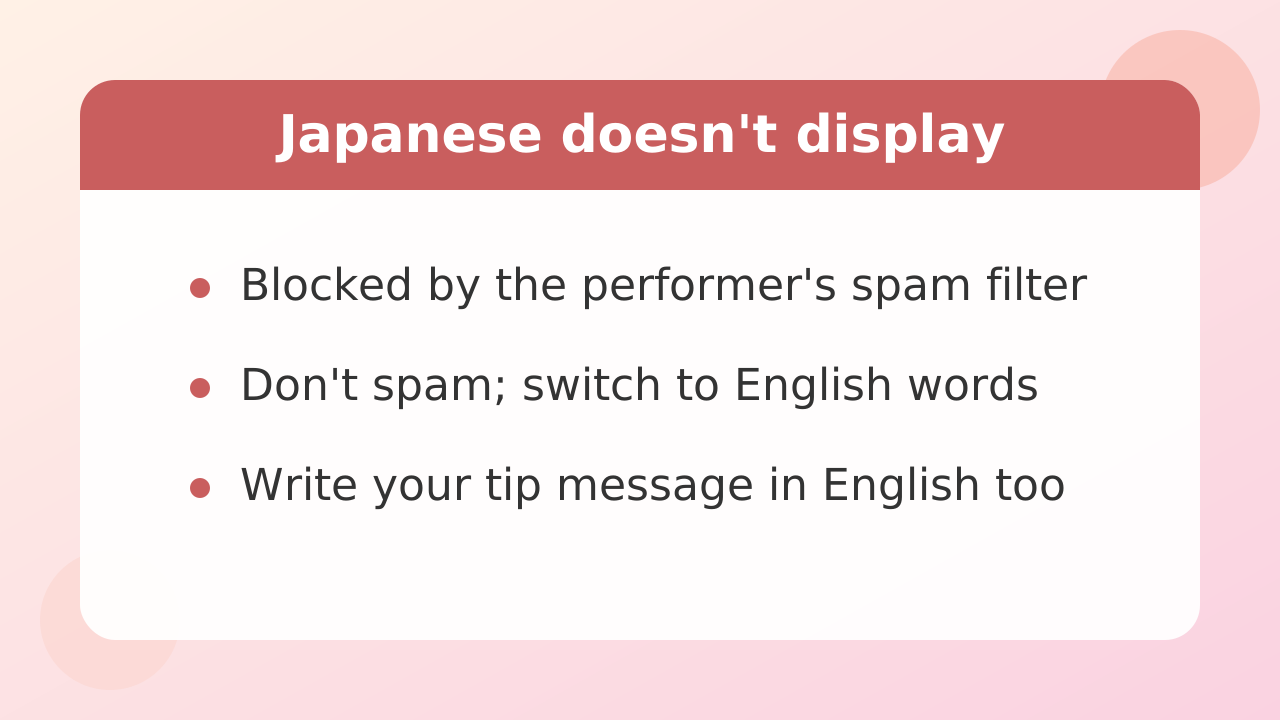
If you cannot send a chat message in a performer's room, or it does not reach them, it is being blocked by the performer's spam filter.
This is not a problem with your device or connection. It is a security feature the performer has set up. Here is why it happens and how to handle it.
Character-type and language block settings
Stripchat's performer-side dashboard includes a banned-word setting that hides specific words and phrases. Some overseas performers block non-Latin scripts, including Japanese (hiragana, katakana, and kanji), all at once to prevent spam bots aimed at international audiences.
In most cases this is not because they dislike Japanese viewers. It is a countermeasure against spam flooding in languages they cannot read.
What to do when your language does not go through
If you write in Japanese and it does not appear in the chat box, do not keep spamming it. That can get you warned or removed from the room.
First, try switching to short English words such as "Hello" or "Cute!" Latin letters and numbers almost always slip past the filter and arrive normally. If there is something you really want to say, use a translation site to compose a simple English sentence before posting.
Also, when you send a tip (gift) and want to add a thank-you or a request, it is safer to attach the message in English in rooms where Japanese is blocked. Coins spent on gifts are generally treated as non-refundable, so choose words that will reliably get your meaning across.
Stripchat | English phrases you can use as-is
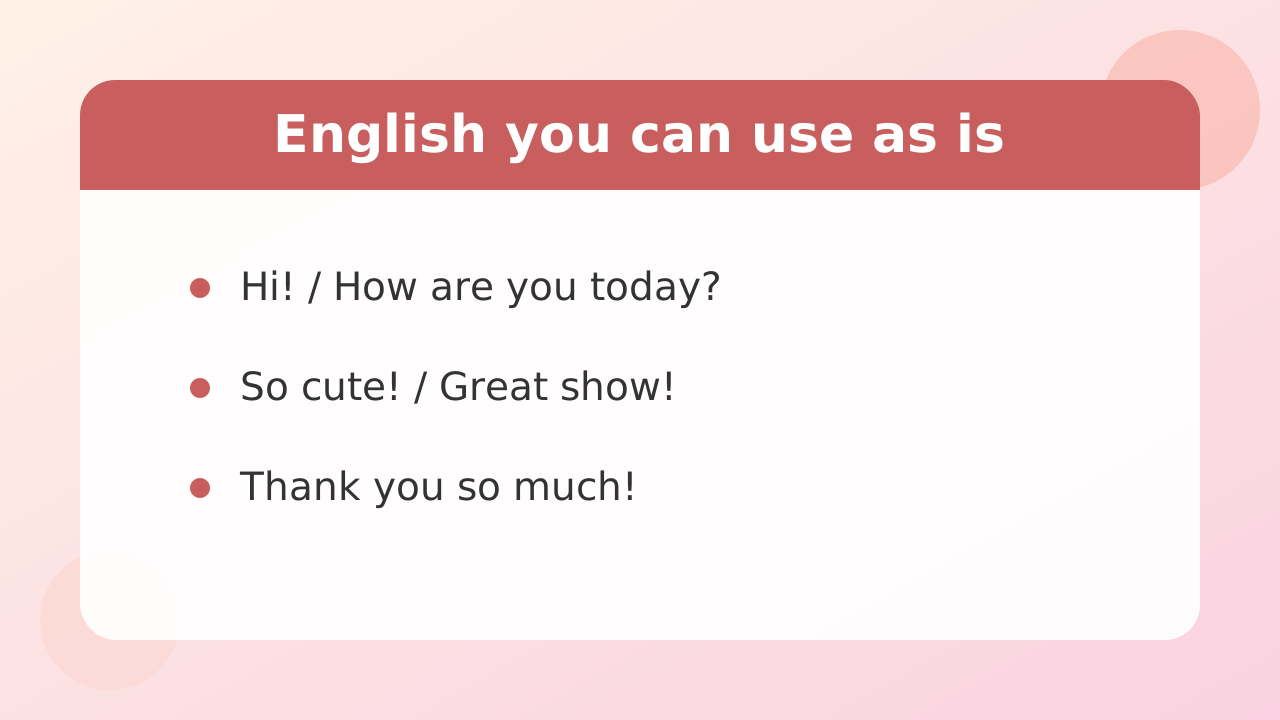
You do not need advanced grammar to enjoy chatting in a performer's room. A handful of simple, short stock phrases are enough to communicate and have fun.
Here are classic, practical phrases you can copy and paste directly into an overseas performer's room.
Greetings and entering the room
- Hi! / Hello!
- How are you today?
- Good morning! / Good evening!
Compliments and reactions
- You look so beautiful!
- So cute! / So pretty!
- I love your smile.
- Great show!
Requests and asking for things
- Can you smile for me?
- Please wave your hand.
- Stand up, please.
Tips and encouragement
- Tip for you!
- I sent some coins!
- Keep going!
Thanks and saying goodbye
- Thank you so much!
- I had a great time.
- See you next time! / Bye!
English-speaking performers are used to communicating with simple words. Rather than trying to build long sentences, the trick to being appreciated is to react quickly with short English phrases.
Stripchat | How to show only performers who speak Japanese
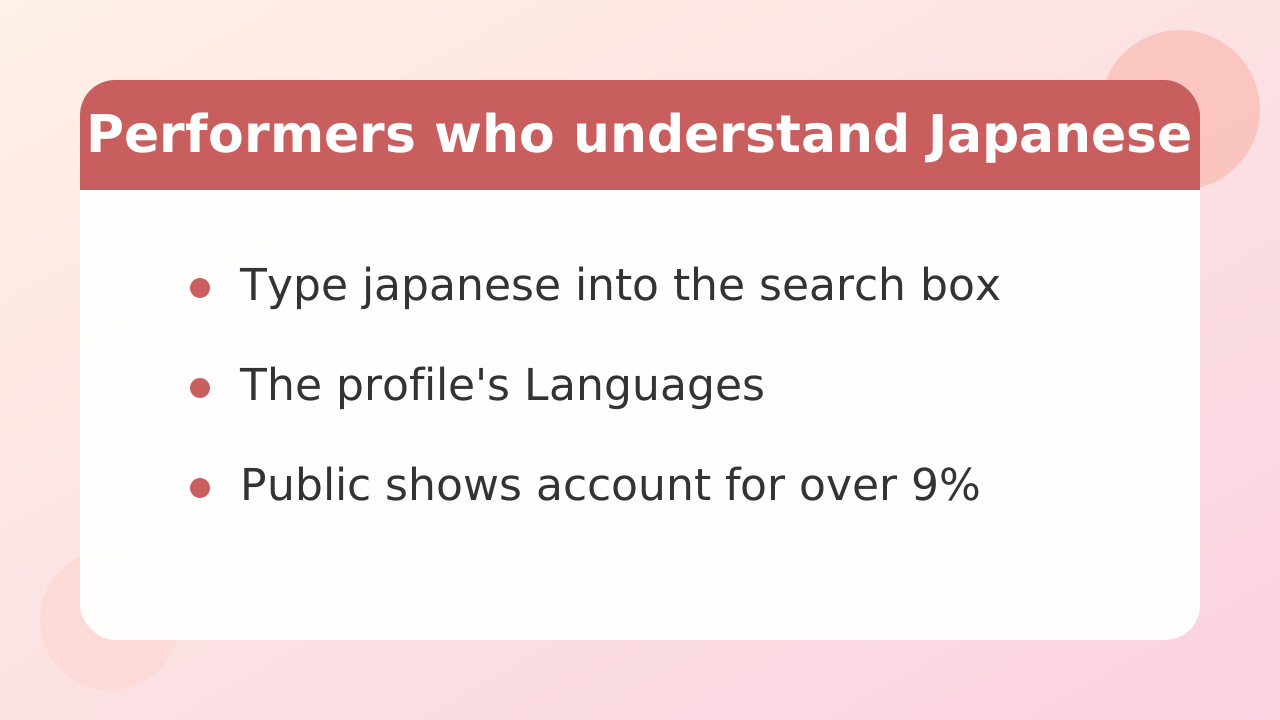
If you want to enjoy a stream without worrying about language at all, the surest approach is to use the search features to filter for performers who speak Japanese.
Stripchat has many performers broadcasting from Japan, as well as overseas performers who can converse in Japanese. Use the steps below to narrow things down.
Use the search bar and tags
Type "japanese" into the search box on the top page, or select "Japanese" from the tag list. This shows a list of performers who stream for Japanese-speaking viewers.
Also, when you open a performer's profile page, there is a "Languages" field. If "Japanese" is listed there, you can write in Japanese in the chat and hold a conversation without a problem.
What Japanese performers' streams tend to look like
For Japanese performers, public streams that anyone can watch make up more than 90 percent of the total, followed by group shows with multiple viewers. One-on-one private shows require the performer's consent, so they tend to be less frequent.
Activity is concentrated in the Japanese evening, from 22:00 to around midnight JST (9 AM to 11 AM ET). Streams from midnight to 5 AM JST (11 AM to 4 PM ET) are often counted as part of the previous day, and performers who stream in the morning or afternoon are a minority.
Start by entering a public stream, saying hello, and sending a small tip. Tips start from around 1 coin, and menus such as "greeting" or "say my name" are often available. Do not spend a lot of coins right away. Set a budget limit in advance and enjoy relaxed communication in Japanese.
Stripchat | FAQ
Here are quick answers to questions viewers often have about Stripchat's language settings and translation.
Q. Is Stripchat fully available in English?
The site's core operations, menus, terms, and payment screens are available in English and many other languages. However, the topic board, goal descriptions, and tip menu names are written freely by each performer, so overseas performers usually write them in their own language.
Q. Can I change the language in a dedicated phone app?
Stripchat does not distribute an official dedicated app through the usual app stores. Everything is used through a browser such as Safari or Google Chrome. So on your phone, change the language from the globe icon at the bottom of the browser page.
Q. I want to send a tip. How are prices shown?
The site uses a currency unit called "coins" rather than cash. As a rough guide, 90 coins costs about 9.99 USD. The number of coins required varies depending on chat requests and the type of show (one-time ticket shows, group shows that consume coins per minute, and so on), so always check the coin amount and its dollar equivalent on the purchase screen before you buy.
Q. Will a performer get angry if I speak in my own language?
Basically, no. However, if the performer cannot read your language, they may simply ignore it, or they may not react because they do not understand. To keep things pleasant, use simple English phrases or a translation tool in overseas performers' rooms.
Q. Is age verification required to register or watch?
The age verification steps and conditions vary depending on the terms of service, the region you are accessing from, and the features you use. To enjoy the site safely, follow the laws and regulations that apply where you are, along with the official site's guidance and terms.