Stripchat | Conclusion: there is no automatic archive like YouTube. Only 3 types remain
Stripchat does not have a "missed show" or "automatic archive" feature that automatically saves all live video after a broadcast ends. The video disappears as soon as the broadcast ends, so it is generally impossible to go back and replay past broadcasts freely.
Unlike general video streaming platforms such as YouTube and Twitch, there is no page listing past shows. Therefore, if you really want to watch a show after it has ended, you must search only for recordings preserved through specific official features.
The only things that may remain in the system are videos left by the performer, recordings viewers made with official features, and posts shared within the fan club: 3 types in total. There is no official route to view past footage by any other means.
Stripchat | 3 types that remain - recordings published by performers / recordings you made yourself / fan-club-only recordings
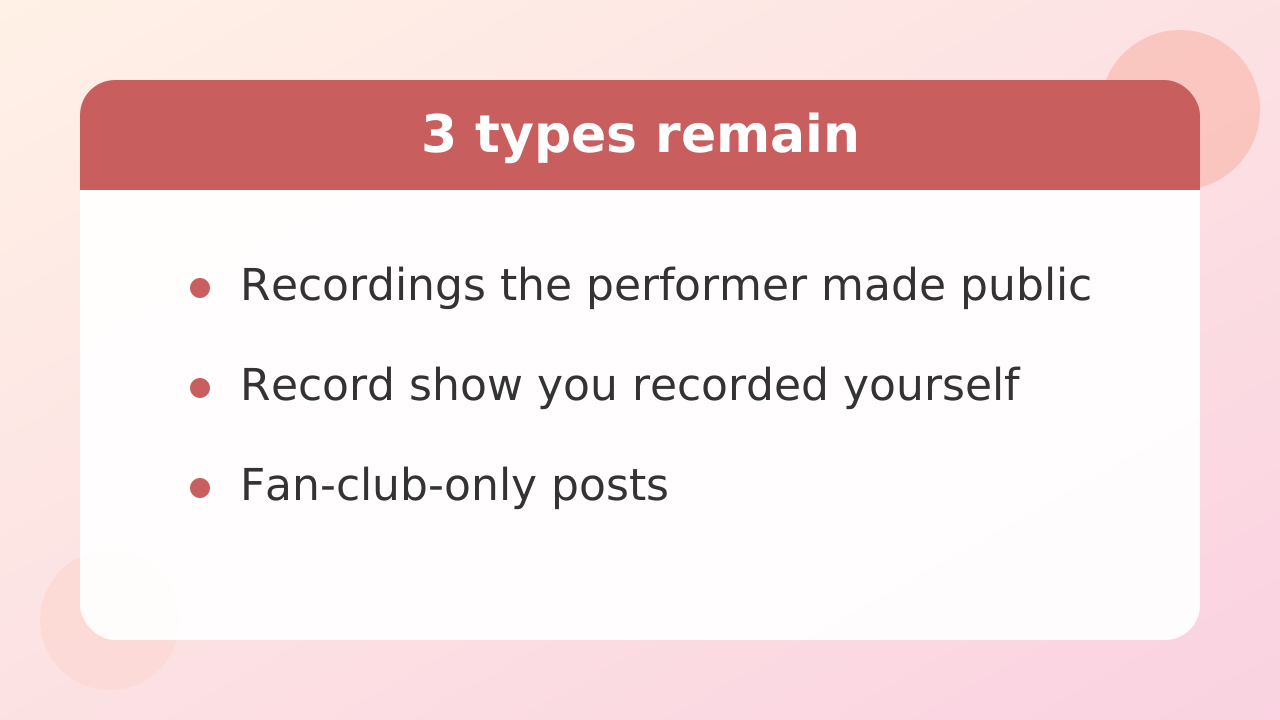
Videos related to past shows that can be watched later are limited to 3 types: "recordings published by the performer," "recordings made by viewers themselves," and "fan-club-only videos." Their characteristics and viewing conditions differ greatly.
Recordings published by the performer
These are videos that the performer records during a live broadcast and makes available for viewing in their profile or elsewhere. Anyone can play them if the performer makes them free to watch, but some are sold for a set number of coins. Whether they are recorded and made public is entirely up to the performer.
A recording you made yourself (Record show)
This is video saved by the viewer using the on-screen recording feature while watching a public show. It captures and preserves a part of a stream you were present for in real time; it is not a way to go back and obtain past streams you did not attend. The saved video can be played only within your own account.
Fan club members-only posts
These are members-only videos and photos available through a monthly fan club subscription. About half of Japanese performers have fan clubs, which are used to host exclusive content. Rather than serving mainly as archives of past live shows, they are places to enjoy posts specially prepared for fans.
Stripchat | Record it yourself "Record show" - button location, how charges are determined, and save destination.
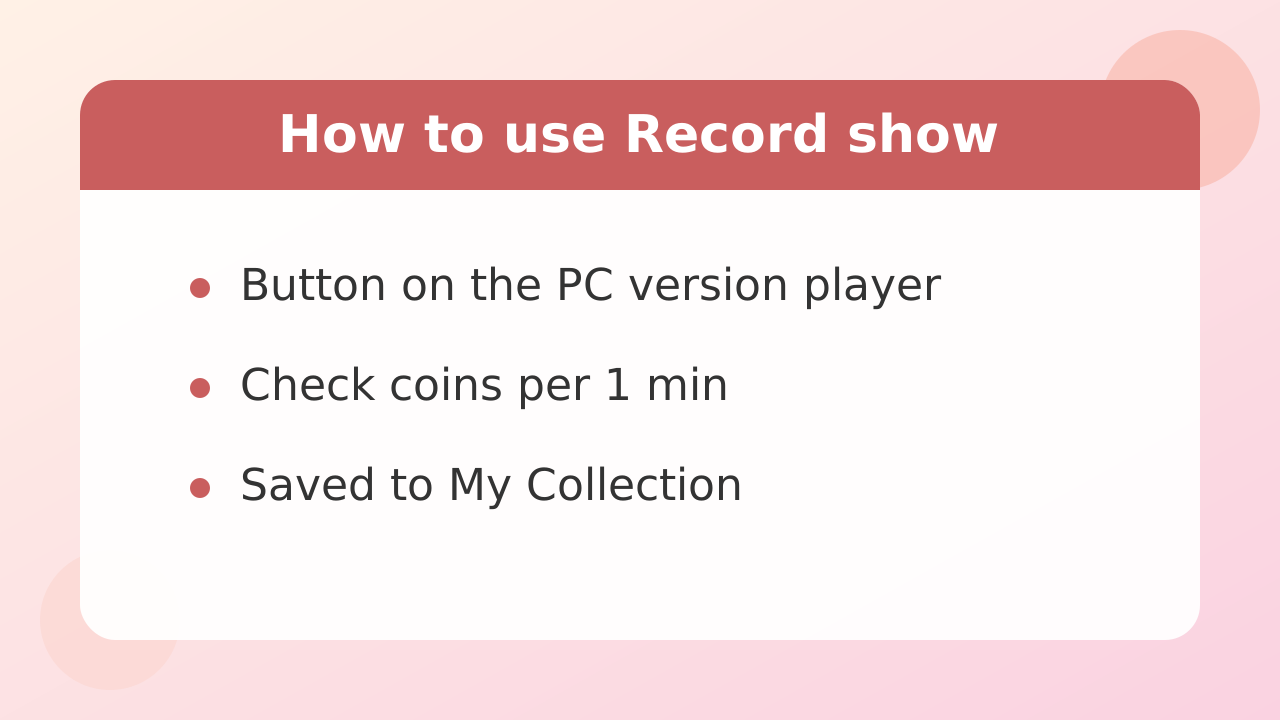
Stripchat's official "Record show" feature starts recording in real time from the broadcast screen in a PC browser and saves the recording to your own account. It is designed to let you revisit favorite moments privately.
The button is displayed within the PC version of the stream player screen. There is an icon shaped like a camera and a button labeled "Record show"; clicking here lets you start and stop recording.
How charges are handled depends on the performer's settings and show type. Some can be used with no additional charge, while others consume a set number of coins every 1 min. Stripchat coins are typically worth about 16.8 yen (about $0.11) per 1 coin based on small coin packages, but the screen clearly states "how many coins are needed per 1 min" when recording starts. Always check the displayed coin amount before starting and proceed only after confirming that you are comfortable with it.
Recorded video files are not downloaded to your computer. They are stored in the "My Collection" area on the site's servers and can be streamed only while you are logged in.
Stripchat | 3 reasons the record button doesn't appear or can't be pressed.
If you look at the stream screen and cannot find a record button, or cannot click it, there are mainly 3 possible causes. In most cases, it is not a malfunction or defect but a restriction due to the platform's specifications.
Reason 1: The performer has not allowed recording
Whether recording is enabled is decided separately by the performer for each room. If the performer has disabled recording, the recording icon will not appear on the screen at all. In that case, viewers cannot record the show no matter what they do.
Reason 2: You are accessing from a smartphone or tablet
The official recording feature is optimized for desktop browser environments, and the button is designed not to appear on smartphone screens. If you want to use the recording feature, you must log in from a PC browser and open the stream.
Reason 3: Insufficient coin balance in your account
If the room is set to consume coins every 1 minute of recording, recording cannot start unless you have at least the required coin balance. If the button is grayed out or a warning appears when you click it, check your coin balance and the required coins displayed at startup.
Stripchat | Where are recorded videos? (retention period, video quality, download availability)
Videos saved with the recording feature are placed in a dedicated storage area within your account. They can only be streamed and cannot be downloaded as files. Think of it as retaining the right to play the video on the site, rather than obtaining a permanent copy of the data.
The storage location is found under management items such as My Collection (My Collection), which can be opened from the My Page or account menu. Opening it displays a list of clips you have recorded and content you have purchased.
| Item | Detailed specifications |
|---|---|
| Storage period | Basically maintained as long as your account remains active (can be manually deleted if no longer needed) |
| Download | Not possible. Saving files such as PC or mp4 to a smartphone is not supported |
| Offline playback | Not possible. Internet connection and login to an account are required for playback. |
| Video quality | Follows the video quality settings at stream time (depends on the original connection conditions and stream quality) |
Taking it outside or saving it to a local disk is not permitted under the terms or technically. You always enjoy it by logging in on the Stripchat platform.
Stripchat | You can't record on a smartphone - what you can and can't do
In the smartphone environment (iPhone or Android), you cannot record streams at all, but you can still use it just to view and play videos saved in the past. It's important to understand the differences in features by device.
On a smartphone's mobile browser, the official "Record show" button does not appear due to screen protection and specification limitations. Therefore, even if you watch a live stream on your smartphone while out, you cannot record it on the spot.
However, simply watching videos saved to My Collection using the official computer feature in the past, or recorded videos published on a performer's profile, should play normally even when you log in through a smartphone browser.
What you must be careful about is trying to force-record using the "screen recording" or capture feature built into the smartphone itself. This falls under external recording, which is strictly prohibited by the terms of use, and if discovered, you risk heavy penalties such as immediate account suspension and confiscation of held coins.
Stripchat | Notification settings so you don't miss them in the first place (online notifications and email)
Because Stripchat has no automatic archives, the most reliable way to enjoy it is to create an environment where you never miss live streams in real time, rather than searching for past videos. Make full use of the official notification system.
First, set up online notification registration on the performer's profile page. Open your favorite performer's page and enable the notification icon (bell mark or online notification registration button).
Also set Stripchat's push notifications to "Allow" in your browser. This will make a real-time start notification pop up on screen the moment a performer turns on their camera and starts a live broadcast.
It is also effective to enable email notifications in your account settings. You can learn that a broadcast has started by email even when your browser is closed, and linking this with smartphone email notifications can greatly reduce the chance of missing a show.
Stripchat | Learn your favorite performer's streaming pattern - use weekdays and time slots to catch them online
Knowing a performer's behavior patterns in advance lets you make a rough prediction and wait before a notification arrives. Many performers broadcast at set times that fit their daily routines.
Looking at the broadcast patterns of Japanese performers on Stripchat, broadcasts are most concentrated from 22:00 JST (8 AM ET / 5 AM PT) at night through the 0:00-hour JST (10 AM ET / 7 AM PT) period after midnight. The overwhelming majority log in after finishing daytime work and household chores.
Morning- and daytime performers who stream in the morning 7:00-hour JST (5 PM ET / 2 PM PT) or during the day are a minority, but their schedules tend to be fixed. Some have routines such as "streaming for just 30 min before work" or "always going live in the afternoon on weekdays."
A performer's banner message (topic) often includes a schedule such as "Next time, around [weekday] at [time]," and the epic goal description may explain their enthusiasm for broadcasting. Check the message area regularly and note the times when they are likely to log in based on their activity history. This can greatly increase your chances of finding them online.
Stripchat | Why you shouldn't open unofficial sites that come up for "Archive"
Searching for "Stripchat archive" or a performer's name on a search engine may bring up unofficial external sites that collect recordings of streams without permission, but you must never access them. They pose an extremely high security risk.
Such piracy sites are hotbeds embedded with malicious ad code and phishing scams. There is no end to victims who are sent to a virus infection warning screen or forced to download malicious programs just by clicking a fake play button.
There is also the danger of being led to fake login screens designed to steal account information or credit card numbers. To enjoy safely, the iron rule is not to go near external sites other than the official domain.
In addition, watching or sharing videos recorded without the performer's consent seriously violates the performer's privacy and copyrights. The spread of unauthorized reposting sites is also a major reason that the Japanese performers you support may retire. Using only legitimate channels helps ensure safe use and protect performers.
Stripchat | What to check when you paid but still can't watch.
If you paid coins to save a recording or bought a paid public video but it will not play, do not panic and check the situation in the following order.
Step 1: Check My Collection and coin purchase history
First open My Page and check whether the video in question appears in My Collection. At the same time, look at the coin consumption history (token history) to confirm whether the payment completed normally. If processing was interrupted by a communication error, it will not remain in the history.
Step 2: Check the performer's profile page
If what you purchased was a public video made by the performer, the performer may have withdrawn it from publication or deleted it. Also check whether the performer has changed their account name or temporarily made the account private.
Step 3: Clear browser cache and log in again
There are cases where the player cannot load due to a problem with the browser's temporary files (cache). Log out once, clear the browser cache, then log in again and try playing.
If the issue is still unresolved after checking these points, note the payment date and performer's name, then contact Stripchat's official support desk with the details.
Stripchat | FAQ
Q. Is there a way to watch full past shows for free later?
No. Unless the performer has short recorded clips on their profile that they intentionally make public for free, there is no system where entire past live streams remain free as archives.
Q. Is it okay to record a show using PC screen-recording software such as OBS?
It is prohibited. Unauthorized recording with external tools or capture software violates the Terms of Use and may result in account suspension or feature restrictions. Always use the official on-screen function (Record show) to record.
Can videos recorded on Q. Record show be seen by other users?
They cannot be viewed. Recordings created by a viewer using the official Record show feature are stored only in that person's My Collection, and are never viewable by the performer or other viewers.
Q. If I join a fan club, can I watch all past live shows without limits?
It does not become unlimited viewing. What you can see in a fan club is exclusive posts such as photos and videos that the performer has specially uploaded for members. It does not mean that recordings of every past live stream are stored there.
Q. I am worried about how much I will be charged if I press the recording button. Can I find out in advance?
You can check in advance. For a paid room, when you click the record start button, the coin cost per minute is displayed on screen and you are asked to confirm. You can proceed with recording after understanding the coin consumption rate and being satisfied with it.